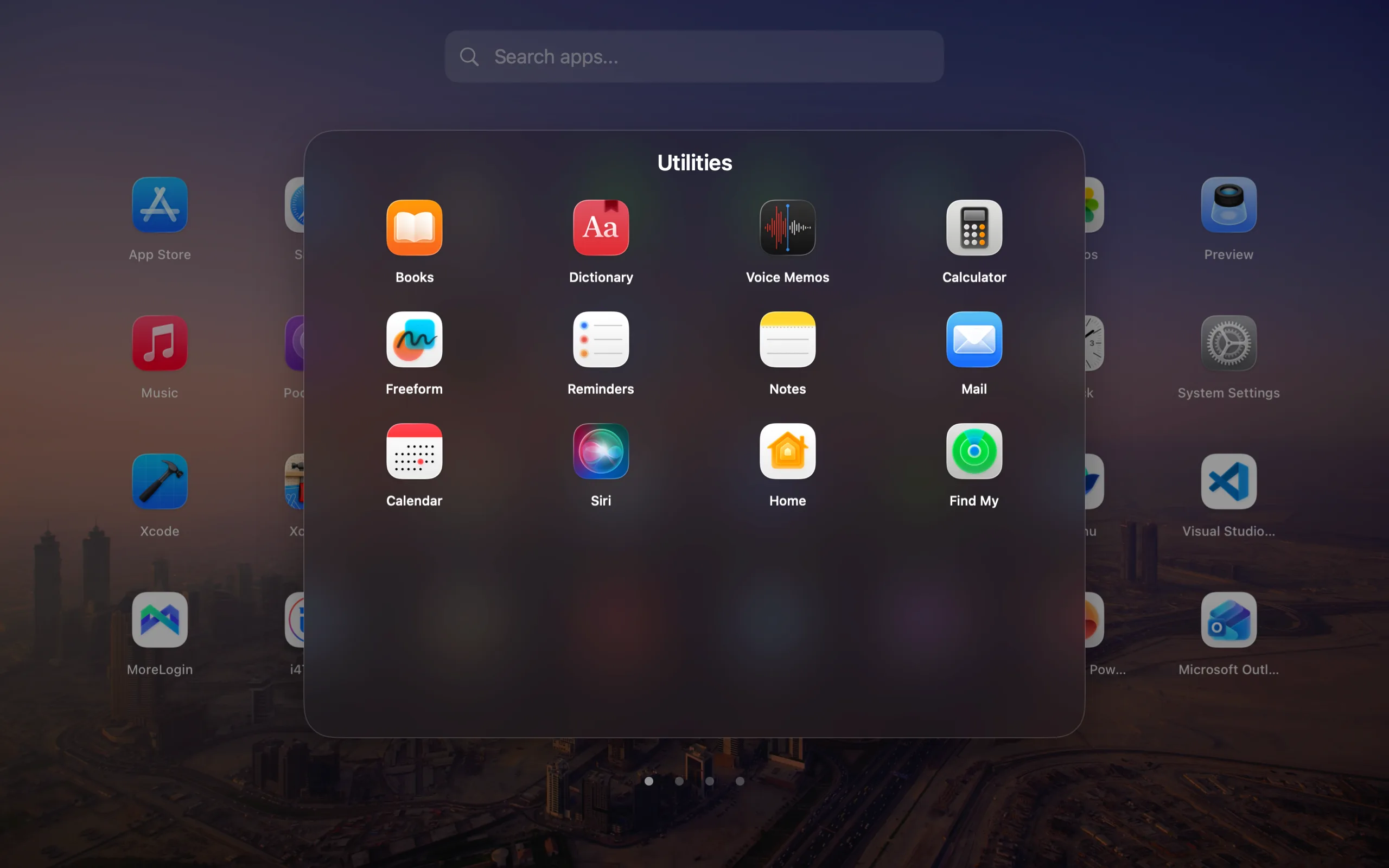
Advanced wallpaper and glass controls
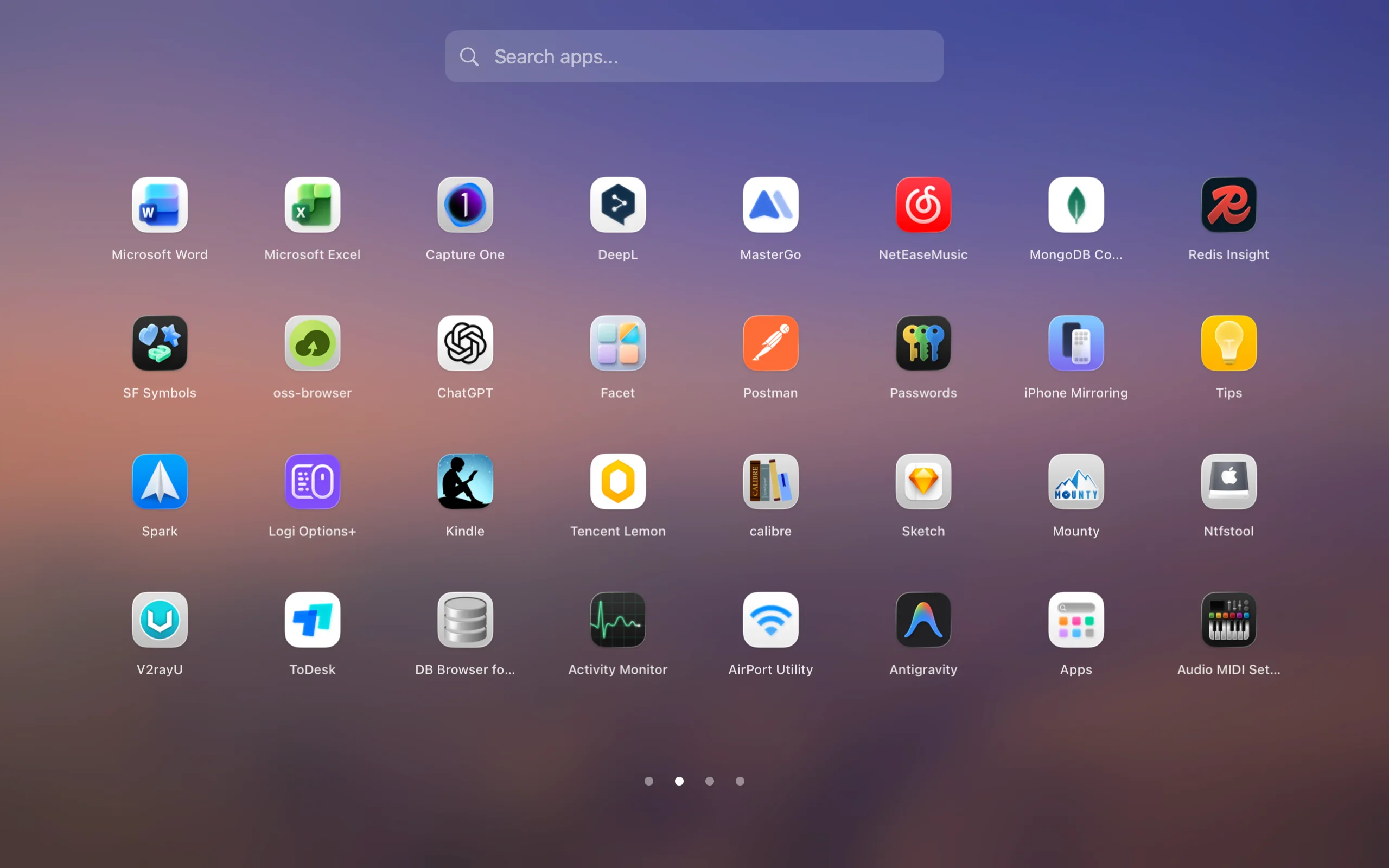
Free includes a polished default background. Pro can mirror your current desktop wallpaper and unlock deeper glass and appearance controls.
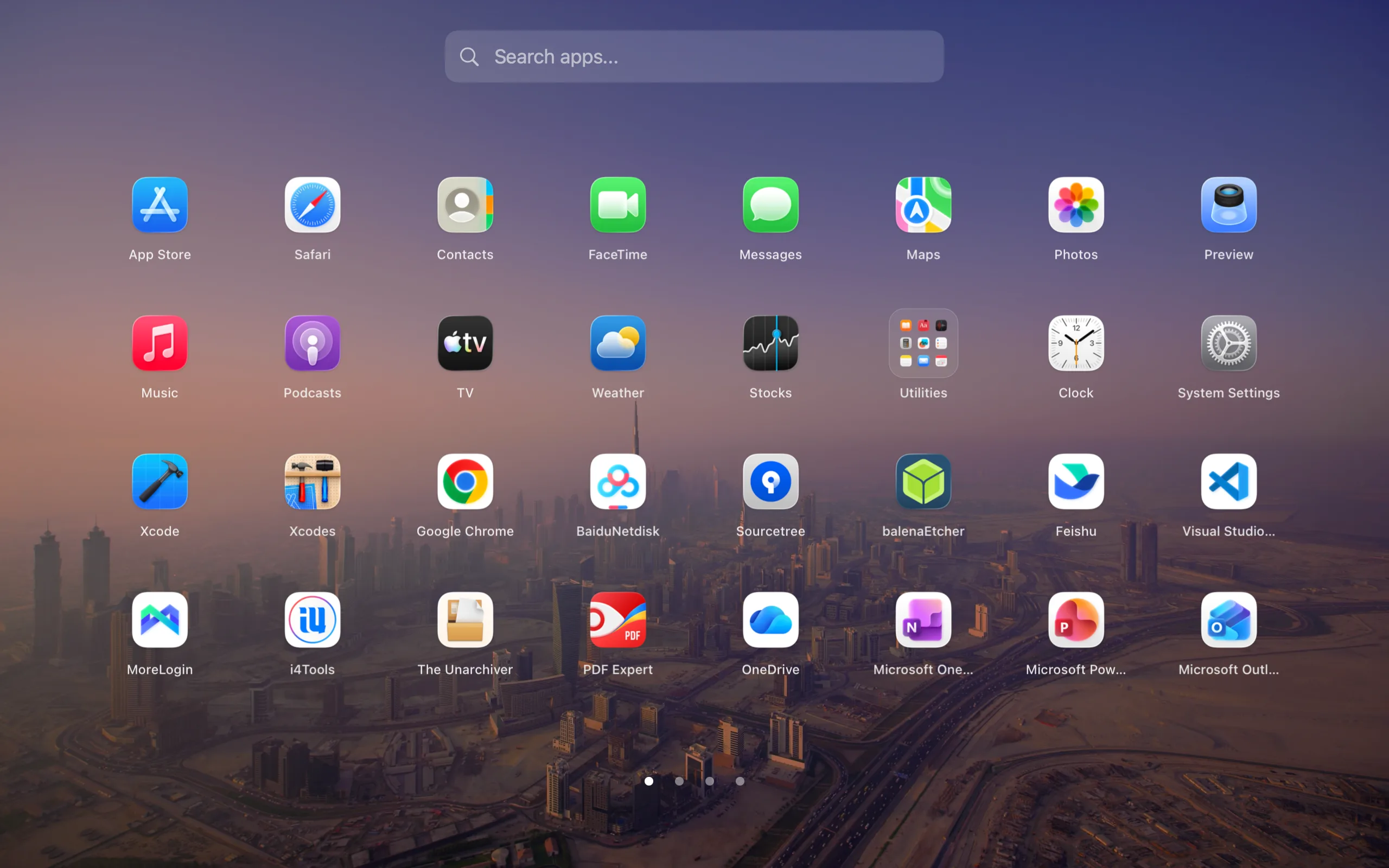
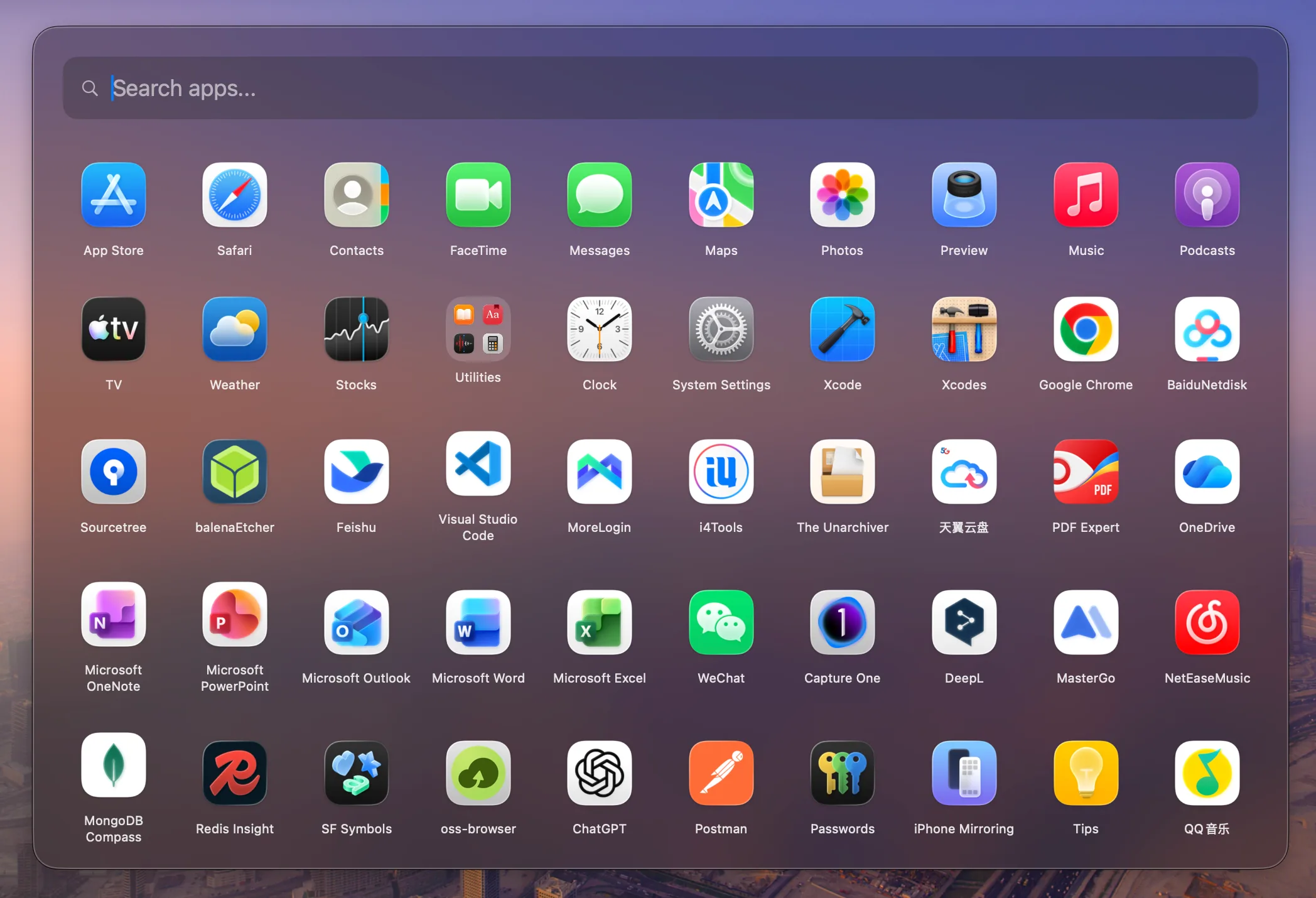
Bring back the classic fullscreen app grid for free. Facet Pro turns it into focused launch spaces for work, design, development, or downtime—each with its own apps, background, glass, icon size, and grid.
No card · no automatic charge · no subscription. Read the signed 1.0.24 release notes.
Facet launcher preview
Facet Modes are named app collections with their own launcher appearance. Switch the view in Facet without launching, quitting, hiding, or rearranging the apps already running on your Mac.
Communication, calendar, documents, and planning—without creative tools or games in the same view.
Real Facet interface · 11.6-second loop · no audio
Facet launcher demo
Free includes a polished default background. Pro can mirror your current desktop wallpaper and unlock deeper glass and appearance controls.
The immersive fullscreen launcher stays free. Pro adds a floating compact panel and lets you switch between both modes in one click.
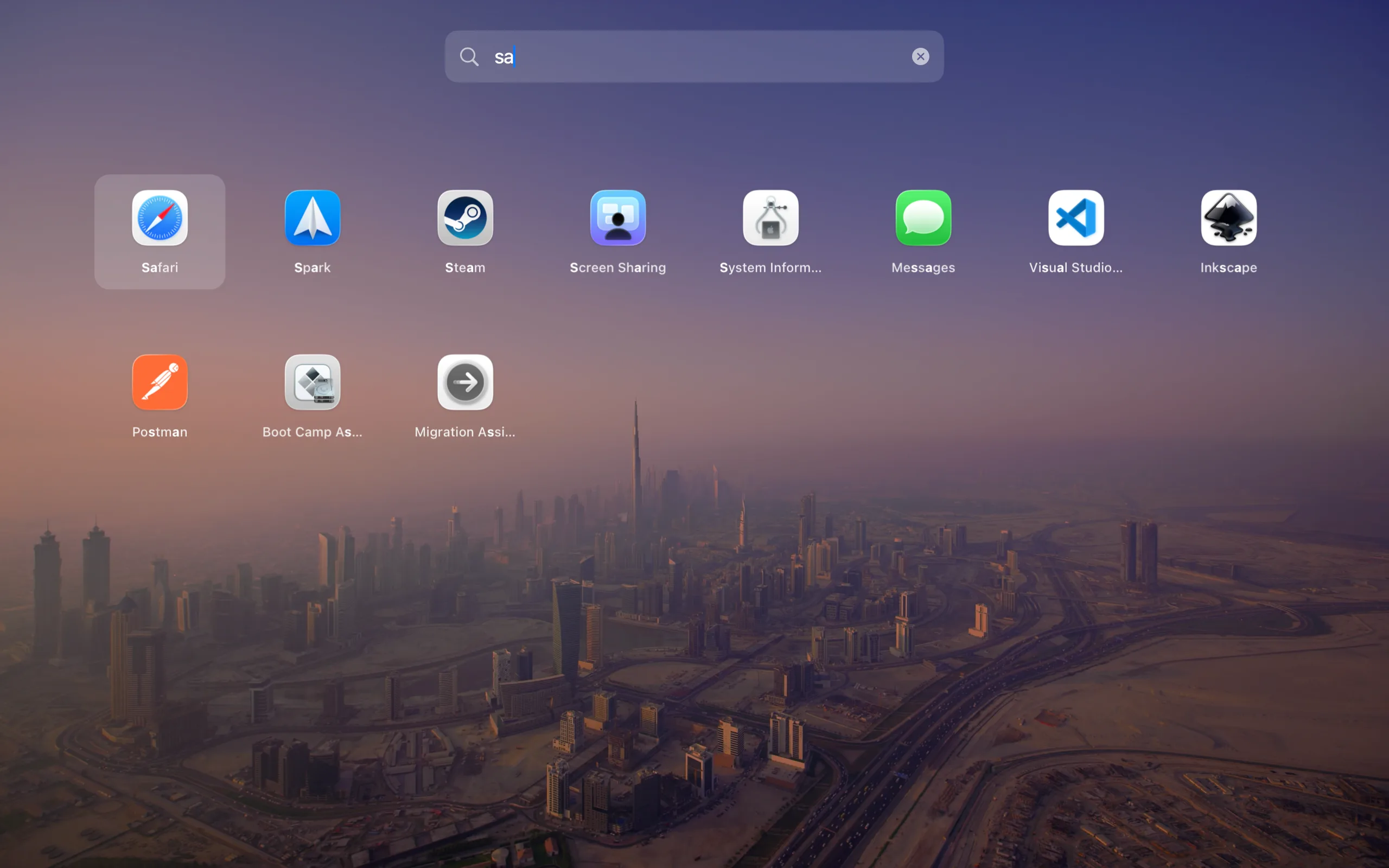
Press your global hotkey and Facet appears in under 100ms. Built for the same speed reflex as the launcher you remember.
Limited-time 50% offer through September 8, 2026. Optional 14-day Pro trial. No card, automatic charge, or subscription.
Launcher preview
Wallpaper
Compact panel
Keyboard search
Frosted glass
Folders
Facet is a Launchpad replacement for Mac. It restores a classic app grid with keyboard search, folders, Launchpad layout import, and local-first app organization.
Facet Free costs $0 and does not expire. Facet Pro is normally a $14.99 one-time purchase, now $7.50 through September 8, 2026. One Pro license activates up to three Macs.
Facet returns to the permanent Free edition. Your saved Pro preferences stay intact and return if you later activate Pro. There is no card, automatic charge, or subscription.
No. Facet is built to run locally with no ad tracking and no telemetry-based growth loops.
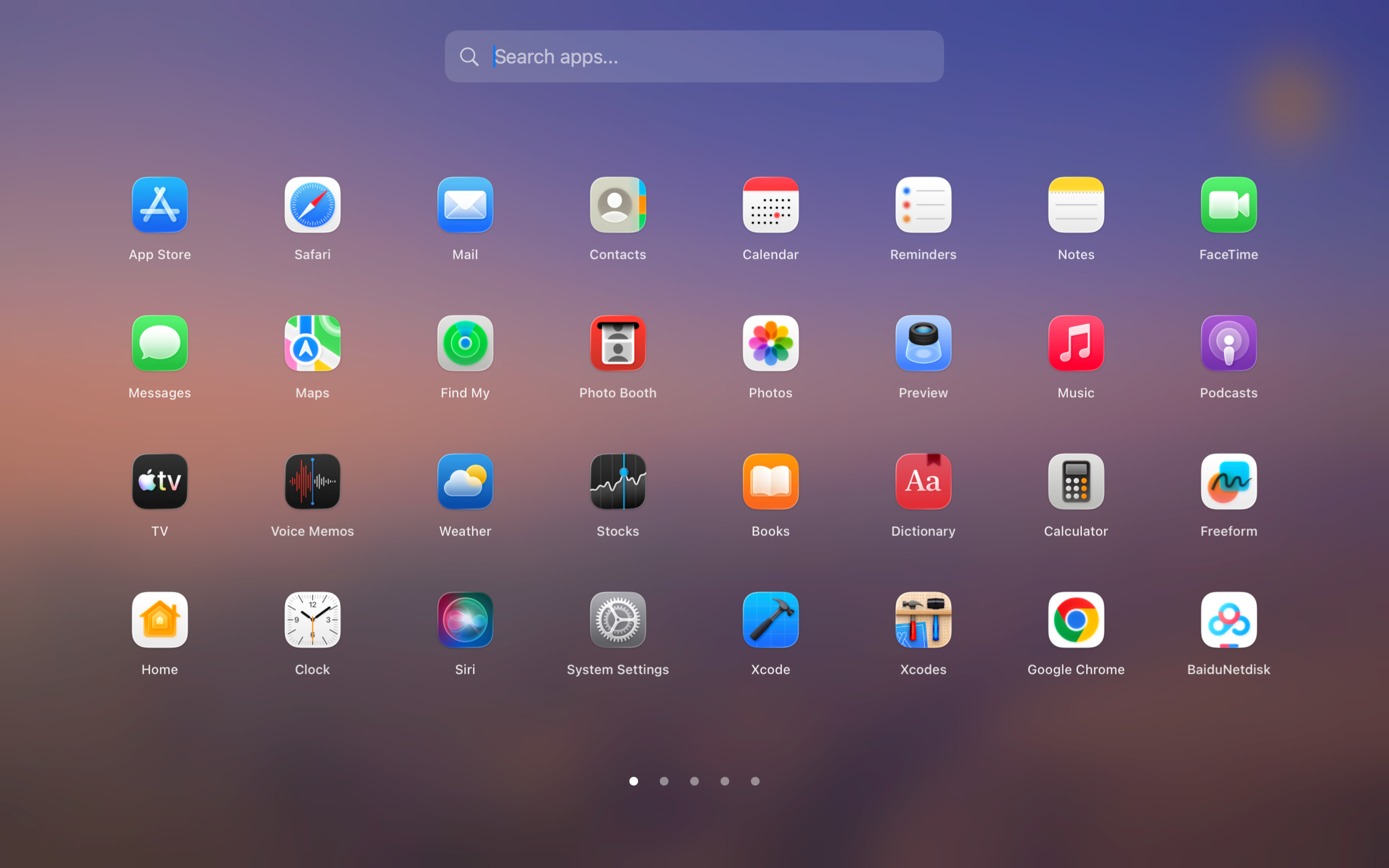
Apple removed Launchpad in macOS Tahoe. See how to get Launchpad back on macOS 26 step by step.
Learn when Facet is the right Launchpad replacement for Mac and how it differs from search-only launchers.
Compare Facet as a Launchpad alternative for macOS focused on grid browsing, folders, and privacy.
Looking for Launchpad on a newer macOS release? See the macOS Tahoe Launchpad replacement guide.
Find Launchpad on Sonoma or Sequoia, restore its Dock icon, or learn where Launchpad went on macOS Tahoe.
For broader launcher searches, see why Facet works as a Mac app launcher.
Create focused collections for work, design, development, or play with Facet Modes for Mac.
Compare built-in options and learn how to organize apps on Mac without Launchpad using free visual folders.
Set up a Launchpad-style hot corner on macOS Tahoe and prevent conflicting corner actions.
Use Facet Free to import your old Launchpad layout, including readable app order and folder structure.
Compare Facet's visual app grid with Raycast's command palette for browsing and automation.
Compare Facet and Alfred across folders, keyboard search, and Powerpack workflows.
Compare Facet and macOS Spotlight for personal app layouts and system search.
Facet is Developer ID signed and Apple-notarized. Download the latest release, open the DMG, drag Facet to Applications, and choose “Continue Free.” You can start the optional 14-day Pro trial whenever you want.
brew install --cask QuartzInkStudio/tap/facetFacet Free remains available without payment. Facet Pro is now $7.50 instead of $14.99 through September 8, 2026; Dodo Payments handles checkout and one license activates up to three Macs.
Facet is made by Quartz, an independent Mac studio building private, focused utilities without subscriptions.
Hide menu bar clutter and reopen hidden items from Shelf when you need them.
Organize your menu bar with Tuck → Markdown previewPreview Markdown locally with Quick Look, Mermaid, Math/LaTeX, and no remote rendering.
Preview Markdown with PeekMark → Developer storageReview and safely clean rebuildable developer files with evidence and recovery.
Clean Mac storage with SpaceLint → Network diagnosticsDiagnose DNS, TLS, routes, HTTP, ports, and APIs in one Mac workspace.
Diagnose networks with Quartz Probe →